How to Create a Meeting Recording Policy

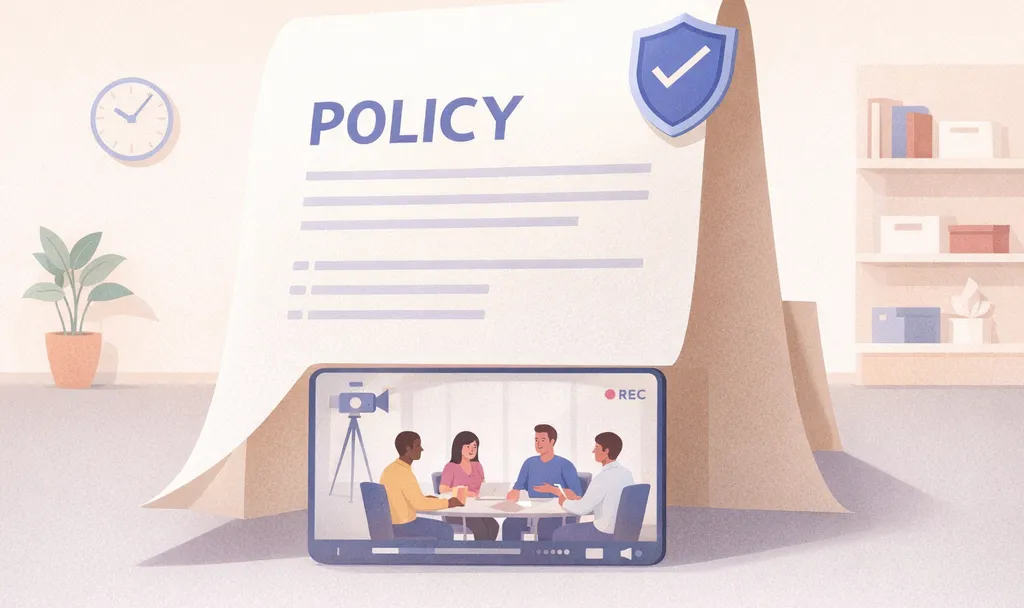


Meeting recordings have outpaced the rules for them. One team runs Otter.ai, another uses a free notetaker someone signed up for last month, and a third has a desktop recorder nobody flagged in a security review. The files end up in personal accounts that no one tracks. Consent is handled differently in every meeting, if it's handled at all. A meeting recording policy is how you close this gap.
The Short on Time Version
- A meeting recording policy is the documented rule set for when, how, and by whom meetings get recorded, stored, and used. It keeps capture lawful, consistent, and defensible.
- Every policy needs five components: consent and notification, permitted versus prohibited recordings, retention and deletion, storage and access controls, and compliance obligations.
- Consent and notification carry the highest legal risk, because virtual meetings routinely span states, and countries, with conflicting consent laws.
- Otter.ai turns meetings into searchable, actionable knowledge, with transcripts, automated summaries, action items, and securegoverned records your team can use.
What a Meeting Recording Policy Is
A meeting recording policy is a formal document that governs the capture, storage, access, retention, and deletion of audio, video, and transcript content from meetings. It sets out who may record, under what conditions, on which platforms, and with what controls. Notify participants about the purpose of recording, plans for sharing, and the use they are consenting to.
A policy is broader than the two documents people often confuse it with. A consent notice is a one-time disclosure shown at the start of a meeting. A retention schedule is the timetable for how long recordings are held on to. A policy encompasses both and adds the governance layer that connects them: rules, ownership, and consequences.
Ownership usually sits with IT, legal, and security working together, since the policy touches systems, regulation, and risk at once. It applies to every employee who records, transcribes, or stores a meeting on any company platform.
Why Organizations Need a Recording Policy Now
AI notetakers and meeting bots put recording activity outside central review. Adoption is broad, and much of it runs without central oversight.
Sensitive customer and internal conversations get captured in tools IT cannot see, stored inconsistently, and are shared by default. Litigation is already surfacing, and many organizations have blocked AI notetakers outright to protect institutional data. Clear ownership gives legal and IT a record of where customer conversations are stored and how the permission was documented.
What to Include in a Meeting Recording Policy
A strong policy covers five components, including the following:
1. Consent and Notification Requirements
State who must be told a meeting is being recorded, how, and when. The notice covers the purpose for recording, plans for sharing, what information will be shared, and with whom. Provide notice before the meeting starts. Have external presenters sign a speaker agreement. Because consent law varies by state, the safest default is to notify all participants regardless of where the recorder sits.
2. Permitted and Prohibited Recordings
Name which meeting types may be recorded and which may not. Prohibit recording meetings that discuss restricted personal data, controlled or classified information, undisclosed financial results, or one-on-one performance reviews without HR approval. Also restrict recording to approved platforms and ban screenshots, screen-capture, and other tools not built for it.
3. Data Retention and Deletion
Set how long recordings remain archived and what triggers deletion. GDPR's storage limitation principle requires that recordings not be kept longer than necessary for the purpose collected. Over-retention creates legal and storage costs: organizations may spend as much as $34 million holding data they could delete, while regulators have issued $3.4 billion in record-keeping fines since 2020.
4. Storage and Access Controls
Specify where recordings live and who can view them. Start with encryption in transit and at rest, paired with role-based access that limits recordings to people who need them. Keep recordings on approved corporate systems, never personal drives or cloud accounts. Pair those controls with secure, auditable logs for every access attempt.
5. Compliance and Legal Obligations
Map the policy to the regulations that apply to you. The reach is wide, and the rules differ. Here are some regulations to follow:
This is general information, not legal advice. Consult qualified counsel for your organization's specific obligations.
How to Write a Meeting Recording Policy Step by Step
Five steps turn a blank document into a policy your organization can actually follow. For broader guidance on governance, see Otter's resources on AI policy templates and corporate AI policy.
Step 1: Define Scope and Covered Meeting Types
Start by naming what the policy covers and what it forbids. Scope includes meetings, calls, and discussions held in person, offsite, or over video. Prohibit secret recording, including arranging for others to record on your behalf. Restrict recording to approved platforms so capture happens where your controls reach.
Step 2: Set Consent and Notification Rules
Write a consent standard that holds across jurisdictions. Federal law follows a one-party standard, but 14 states require all-party consent, and a California ruling established that its all-party law can apply even when the recorder sits in a one-party state. A workable mechanism: state in the meeting invitation that participation equals consent, then retain the email acceptances as documentation. For a state-by-state breakdown, Otter.ai created a guide to call recording laws by state.
Step 3: Set Retention Periods and Deletion Rules
Tie every retention period to a business purpose. Set a default expiry of 30 days, with longer retention allowed for legitimate reasons and nothing kept indefinitely without legal approval. Build in legal hold procedures so recordings tied to disputes or audits survive routine deletion, and schedule an annual review with a named owner.
Step 4: Assign Storage Location and Access Permissions
Decide where recordings live and tier access by role. Store recordings on approved corporate systems only, never personal storage, with access limited to what a job requires. Define who can view what: give organizers, internal participants, and external guests each a clear, separate level of access.
Step 5: Roll Out, Train Staff, and Document Acknowledgment
Draft the policy with input from records management, legal, compliance, security, IT, and operations, then move it through a formal approval workflow. Communicate before rollout so employees understand what is changing and why. Collect signed acknowledgments from every employee and state the consequences of non-compliance directly. Failure to comply may result in disciplinary action up to termination.
How to Enforce a Recording Policy With the Right Controls
A policy only holds if the tooling enforces it. A signed document does nothing to stop an unsanctioned tool from joining a call or a recording from landing in someone's personal drive. Policy documents need platform-native controls to keep recording activity inside approved systems.
Five controls turn a policy from text into practice. Admin controls over who can record let you grant or restrict recording at the user, group, or meeting level. In Microsoft Teams, the -AllowCloudRecording parameter governs which users can initiate recordings. Centralized storage keeps recordings in systems IT manages rather than scattered personal accounts. Retention automation deletes or archives recordings on schedule without anyone remembering to act, though Teams auto-expiration doesn't enforce compliance requirements on its own. Access logs record who opened what and when. SSO-gated access ties every entry to a managed identity, so deprovisioning can revoke access through the identity workflow.
How Otter Helps Teams Govern Meeting Recordings
Replacing several ungoverned free tools with one governed platform reduces the surface IT has to manage. Otter is a Conversation Intelligence Platform that turns meetings into searchable, actionable knowledge, with transcripts, automated summaries, action items, and secure records your team can use. Learn more about conversation intelligence software and how it ties into corporate knowledge management.
Otter's governance controls start at the identity layer. Otter Enterprise supports SAML SSO with Okta, Microsoft Entra ID, and Google Workspace, plus SCIM directory sync for provisioning and deprovisioning. Domain capture routes company email signups into the governed workspace automatically, so the shadow-AI sprawl that starts with individual signups gets pulled back under central control.
From the Enterprise admin panel, admins set custom data retention policies, manage conversations centrally, enforce pre-meeting recording notifications, and control sharing permissions. Audit trails and logging support compliance reporting. For certifications, Otter is SOC 2 Type II certified, offers HIPAA compliance and a BAA on Enterprise, and maintains a DPA for GDPR. Enterprise customers act as data controllers, and Otter does not use customer data for training.
For teams extending meeting intelligence to external AI tools, the Model Context Protocol (MCP) server lets models like ChatGPT securely query conversation records under OAuth authentication scoped per user, bound to existing workspace permissions, with a built-in logging dashboard for IT. There is no new data pipeline running outside the security perimeter. The Otter Desktop App also records meeting audio without a bot joining the call, an option for sensitive contexts where a visible AI notetaker creates friction. This makes it suitable for in-person meetings and interview recording as well.
Read Otter's guidance on meeting recording laws, enterprise security, and admin controls.
Conclusion
A meeting recording policy earns its value only when something enforces it. The document sets the rules; admin controls, centralized storage, retention automation, and identity-gated access make those rules real. See how Otter's enterprise governance holds up against your own requirements: Get a demo now.
The above is general legal information, not legal advice. Consult a licensed attorney for your situation.
Frequently Asked Questions About Meeting Recording Policy
Do You Need Consent to Record a Meeting?
It depends on your jurisdiction. Federal law (ECPA) requires the consent of at least one party, so if you are a participant, your own consent satisfies the federal requirement. State laws can be stricter, requiring consent from everyone. It is illegal to record a conversation you are not part of.
Can You Record a Meeting Without Consent?
In the 38 one-party consent states, yes, if you are an active participant. In all-party consent states, including California, Florida, Illinois, Pennsylvania, and Washington, no: every participant must consent. The full list of all-party consent states is broader, also including Delaware, Maryland, Massachusetts, Michigan, Montana, and New Hampshire, among others. Virtual meetings on Zoom, Teams, or Google Meet are subject to the same consent laws as in-person or phone meetings.
Is It Illegal to Record a Meeting Without Consent?
Yes, in certain circumstances. In all-party states, recording without everyone's knowledge is illegal. In one-party states, it is legal if you participate but illegal if you are not part of the conversation, which violates 18 U.S.C. § 2511 (federal wiretapping law). Penalties range from civil damages to felony charges in states like Pennsylvania.
What Should a Meeting Recording Policy Include?
Five components: consent and notification rules, permitted and prohibited recording types, retention and deletion schedules, storage and access controls, and the compliance obligations that apply to your industry and jurisdictions.
Related posts