Otter Can Now Pull From and Send to Gmail



There's a specific kind of frustration that anyone who runs on meetings will recognize. You finish a call, decisions were made, someone's going to send the follow-up and then three days later you're digging through your inbox trying to figure out whether that email ever went out, whether the action item landed, whether the thing that was agreed to actually happened.
The meeting lived in Otter. The follow-up lived in Gmail. And connecting the two required a human in the middle, doing it manually, hoping they didn't miss anything.
That gap is what today's update closes. It’s part of a bigger shift in Otter, from a place where meetings are recorded to a Conversational Knowledge Engine that connects what was said to what actually gets done.
Otter is now an MCP client
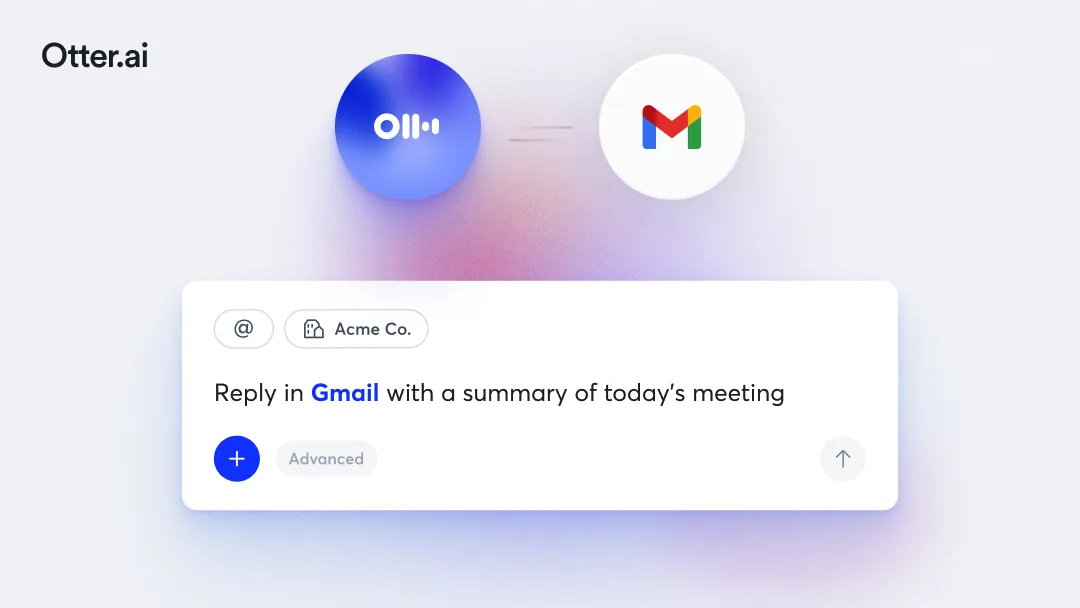
Practically speaking, what does that mean? Well, with our new AI Chat Connectors, Otter can now talk to Gmail in both directions, live, from within Otter AI Chat.
Pull Gmail into Otter. Ask Otter to check whether a follow-up email was sent after last Tuesday's client call. Surface the thread where a stakeholder confirmed budget. Cross-reference what a customer said on a call against what they later wrote in an email. You're no longer switching tabs and piecing things together manually.Otter can now pull the relevant Gmail context directly into the conversation.
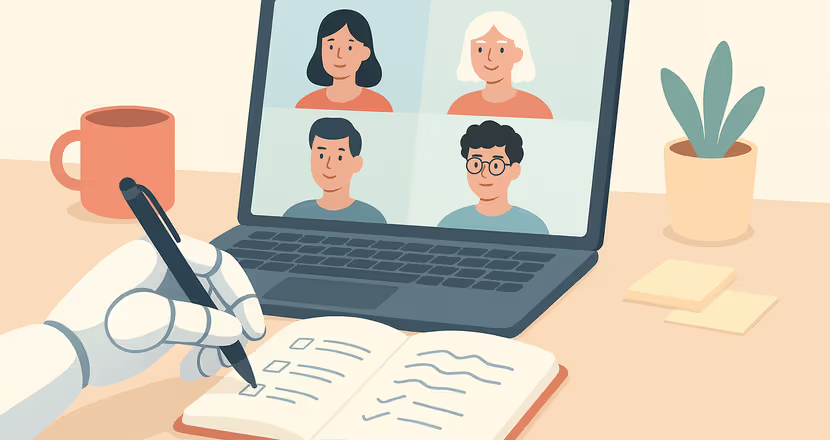
Or, you can push directly from Otter to Gmail. Finish a meeting, ask Otter to draft the follow-up email based on what was discussed, and send it without opening Gmail. Otter knows what was said, who committed to what, and what needs to happen next. The draft it produces isn't a generic template; it's built from the actual transcript of the call that just ended.
This is what it means for Otter to become an MCP client. Your meeting intelligence doesn't just sit in one place anymore. It moves out to the tools your team already works in and back in from those same tools when you need context.
Part of something larger
Gmail is one of a growing set of tools that Otter now connects to through AI Chat Connectors alongside Google Drive, Notion, Jira, Salesforce, and more to come. Each connection follows the same logic: meeting knowledge should be able to flow into the tools where work actually happens, and the context from those tools should be available when you need it inside Otter.
This is the Conversational Knowledge Engine in practice. Not just a place where meetings get recorded, but an intelligence layer that connects what your team says to what your team does across every tool in your stack.
Getting started
Connect Gmail through the AI Chat Connectors panel in your Otter workspace. Once connected, you can start pulling Gmail context into any Otter AI Chat conversation, or pushing meeting outputs directly to your inbox without anyextra stepsor switching between tools.
The meeting happened. Now make sure something comes of it.
Related posts