Introducing Directory Sync: Automatic User Provisioning (SCIM) for Enterprise Workspaces



Managing who has access to your company's tools shouldn't be a manual job. When someone joins your team, they need access fast. When someone leaves, that access needs to disappear just as quickly.
Until now, Otter required admins to manually invite and remove users from the workspace - adding friction at both ends of the employee lifecycle. Today, that changes.
We're launching Directory Sync a new feature for Enterprise workspaces that automatically provisions and deprovisions Otter users directly from your identity provider. Connect Okta, Microsoft Entra ID, or another supported directory, and Otter stays in sync - no manual steps required.
Otter fits natively into the enterprise identity management workflows that IT teams already run. It's the same principle behind how organizations manage tools like Slack, Notion, and Figma - and Otter now joins that tier.
What Directory Sync does
Once connected, your directory becomes the single source of truth for your Otter workspace:
- New employees get access automatically. When you add someone to Otter in your directory, they receive a workspace invitation with their profile — name, email, department — already populated.
- Departing employees lose access immediately. When someone is removed from your directory, their Otter account is deactivated within minutes.
- Profile updates flow through automatically. When an employee changes teams or roles, their Otter profile reflects it — no admin intervention needed.
- Every change is logged. All provisioning and deprovisioning activity appears in your Workspace Admin Log, giving you a complete audit trail.
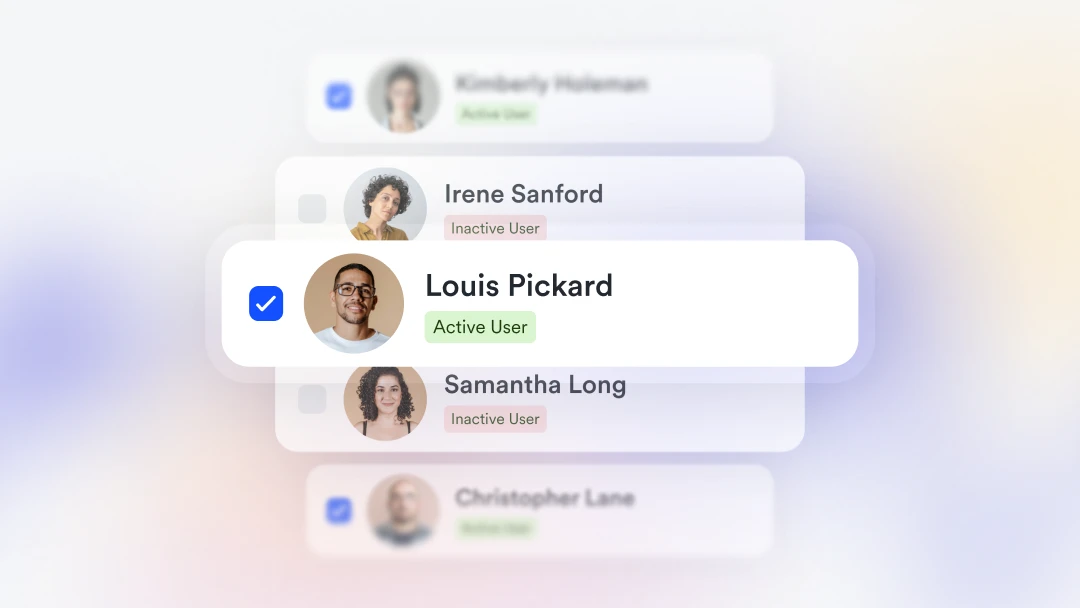
Synced members are clearly marked in your workspace member list, and their profile fields are locked to prevent manual drift from your directory.
Directory Sync works with or without SAML SSO, though combining both, along with Domain Capture, is the recommended configuration for maximum security and lifecycle control.
Getting started
Directory Sync is available for Enterprise customers. To enable it, reach out to your customer success manager or contact our sales team. For setup instructions, visit our Help Center.
Directory Sync is part of Otter's growing enterprise security and compliance suite — alongside SAML SSO, advanced admin controls, data retention policies, and HIPAA compliance — designed so that deploying Otter at scale requires zero compromise on governance.
Related posts