Your Zoom Recording, Now in Writing

Drop in a saved Zoom call and get a transcript you can read, search, and share. The meeting ends once. The transcript stays in Otter.

Transcribe Now
Orange and purple gradient
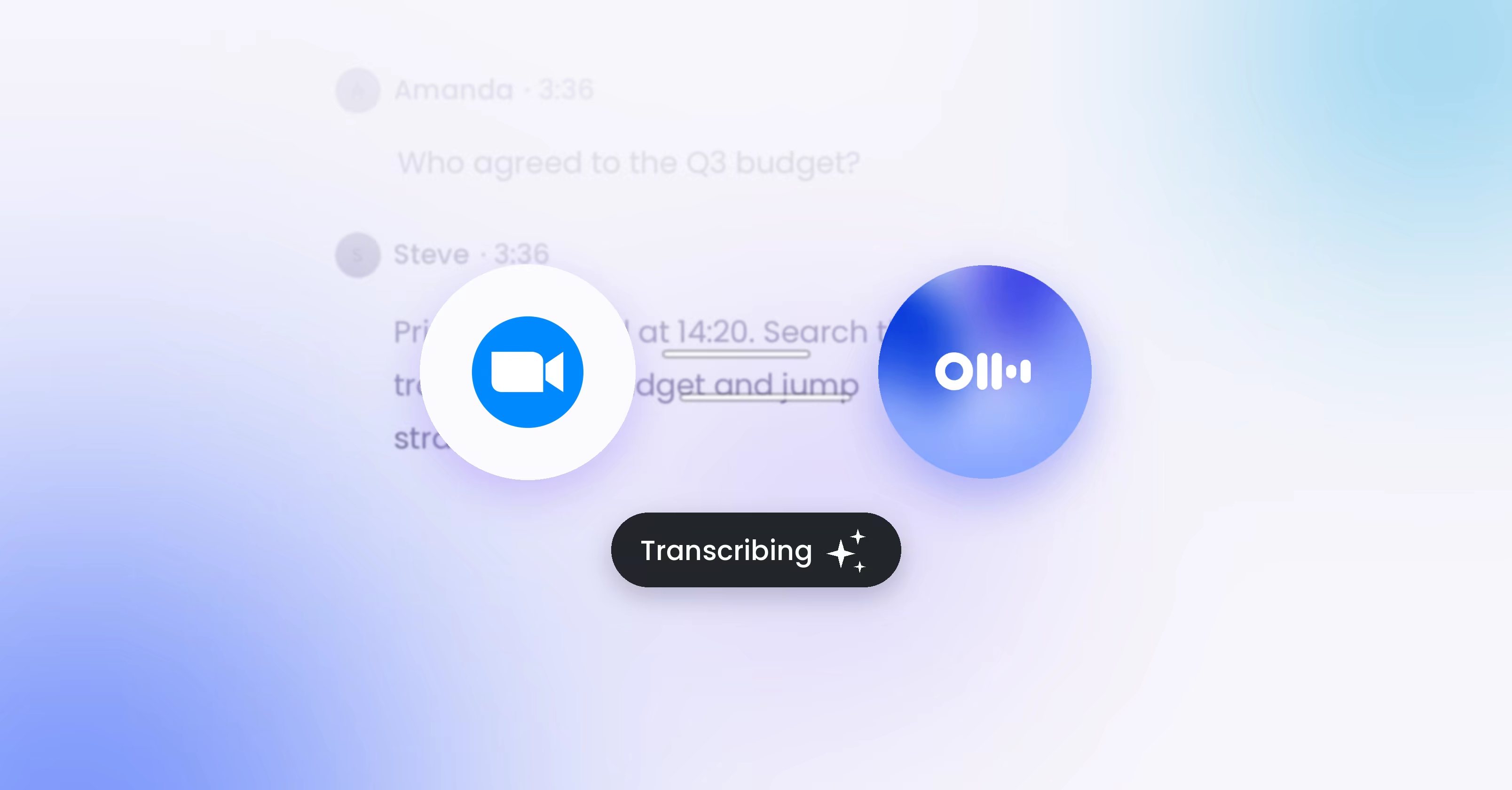
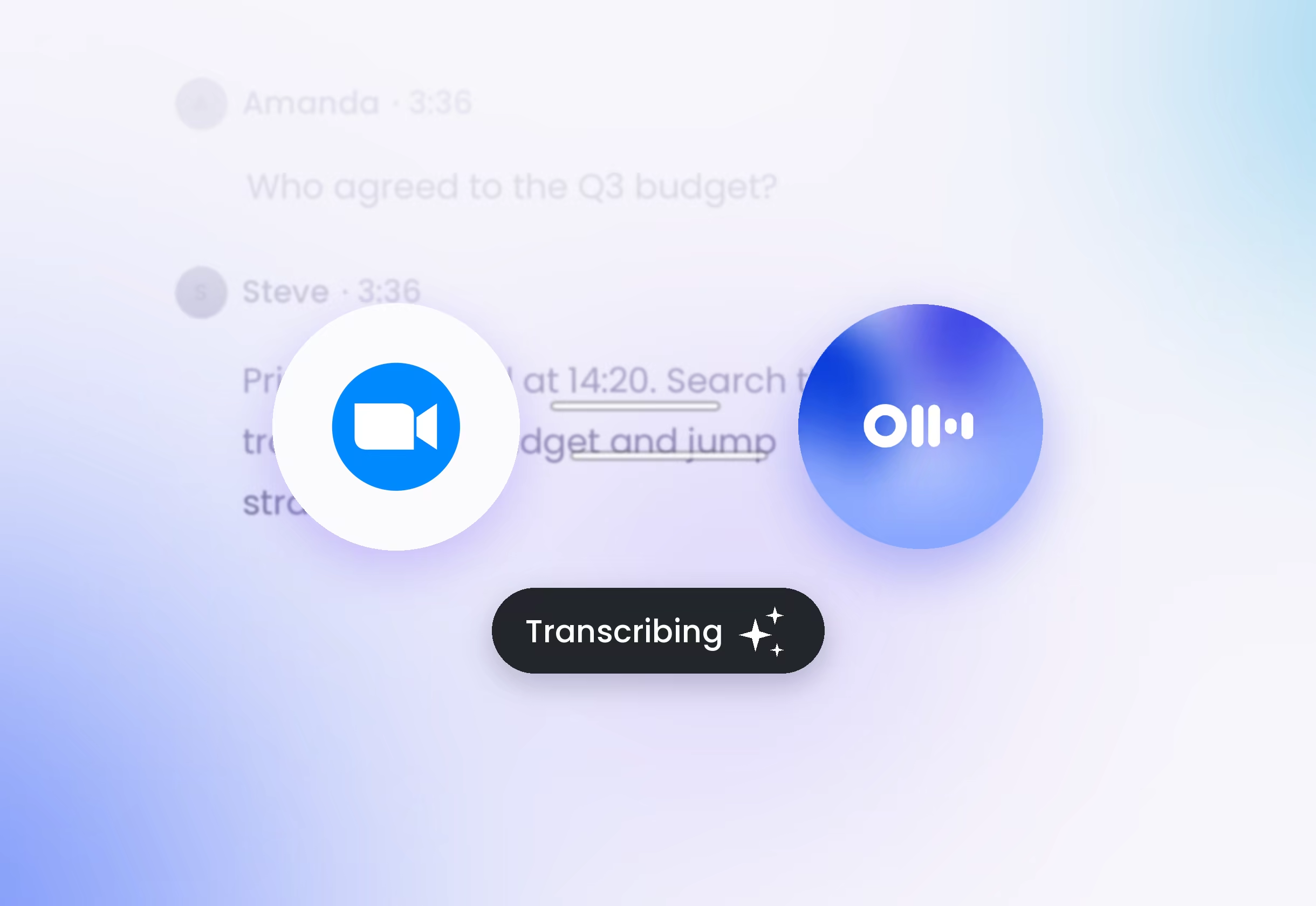
Zoom recording being transcribed by Otter

Hundreds of teams trust Otter, including:

Turn Zoom Calls into Text You Can Use

Recordings pile up, and few of them ever get replayed. Upload your Zoom file to Otter and the conversation becomes a clean, speaker-labeled transcript. Find the decision, copy the quote, and send the follow-up without scrubbing through a video.
Transcribe Now
Orange and purple gradient

Rewatching Is Not a Workflow

1
Save your Zoom recording

Locate the finished file on your computer.

Purple and pink gradient glow
2
Import it to Otter

Upload on the web and let the transcript build.

Blue gradient glow
3
Review who said what

Speaker labels show who owns each point.

Purple and pink gradient glow
4
Send the follow-up

Copy a quote or share the transcript with attendees.

Blue and pink gradient glow

Features & Benefits

  • Video and audio formats

    Zoom files import easily, since the converter supports MP3, M4A, WAV, AAC, WMA, and video files.

  • Who said what

    Intelligent speaker detection tags each participant, so action items have owners.

  • Minutes, not hours

    Get a highly accurate transcript fast, even for a long call.

Otter sales call summary with insights on timeline, ROI, needs and budget
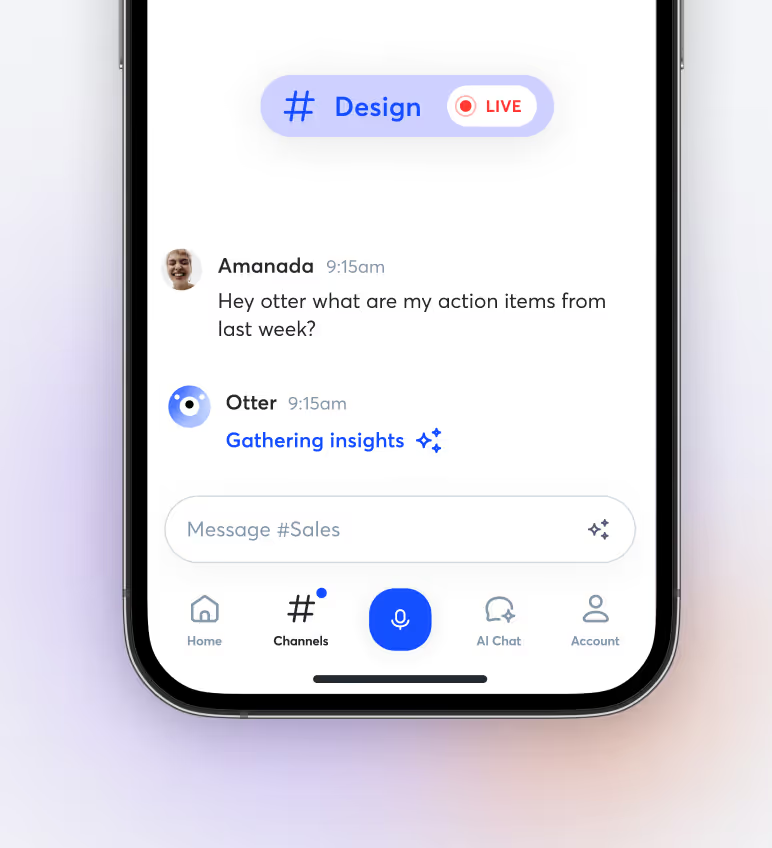
Otter mobile app answering a question in a Design channel
Otter connecting Zoom, Microsoft Teams and Google Meet
  • Ask your meeting

    Otter generates a summary and action items automatically, and Otter AI Chat answers follow-up questions.

  • Searchable and shareable

    Find key moments instantly and send the transcript to anyone who missed the call.

Teams in meetings and gradient shapesDivider line
Get started with Otter

Frequently Asked Questions (FAQs)

How do I get my Zoom call into Otter?

Save the recording file, then import it on the web or through the mobile app.

Will the transcript show who spoke?

Yes. Intelligent speaker detection identifies and tags different speakers.

Can I send it to people who missed the meeting?

Yes. Transcripts are shareable, so you can send the full text to your team.