
Hundreds of teams trust Otter, including:








Why Convert When You Can Just Upload?
1
Pick your WAV file
Use the original recording as it is.

2
Upload without converting
Otter reads the file directly.

3
Search and quote
Jump to key moments and copy exact lines.
Features & Benefits
- Direct WAV support
The converter works with WAV, plus AAC, MP3, M4A, WMA, and video files.
- Speaker detection
Multi-person recordings are organized by voice automatically.
- Quick and accurate
Highly accurate text in minutes, not hours.

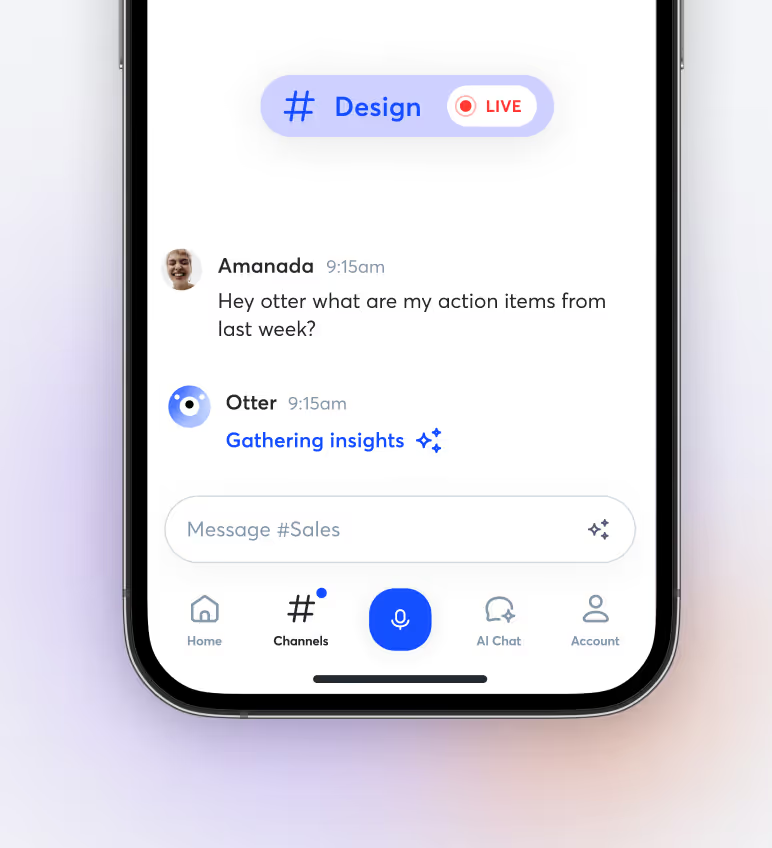

- Search and quote
Jump to key moments and copy exact lines for show notes or articles.
- Web or mobile
Import on the web, or capture and transcribe with the iOS and Android apps.


Frequently Asked Questions (FAQs)
Do I need to convert my WAV file first?
No. WAV is a supported format, so you can upload the original file.
What else can I upload?
AAC, MP3, M4A, WMA, and video files also work.
Can I find a specific moment?
Yes. Transcripts are instantly searchable.

Download

