Hundreds of teams trust Otter, including:








Turn Interview Audio into Text You Can Translate

There's a Better Way to Translate
Import the recording in any supported format.

Read exactly what was said, speaker by speaker.

Copy the text or send the transcript to your translator.
Look up key words without replaying the audio.

Features & Benefits
- Accurate source text
Highly accurate transcription in minutes gives translators a reliable starting point.
- Speaker detection
Interviewer and interviewee are tagged, so dialogue stays clear.
- Copy and share
Pull quotes or send the whole transcript to a colleague or translator.

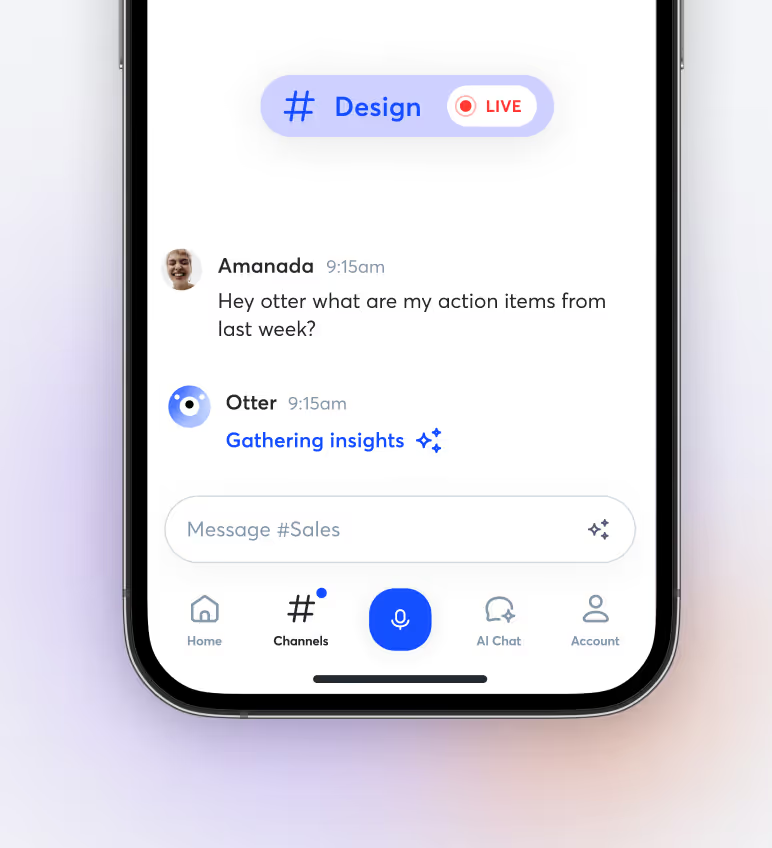

- Search
Locate specific terms and moments without replaying the audio.
- Broad format support
Upload AAC, MP3, M4A, WAV, WMA, or video files.


Frequently Asked Questions (FAQs)
No. Otter transcribes each file in the language you select, and translating the transcript is a separate step you can do with your translator.
English, Spanish, French, German, Italian, Portuguese, Dutch, Japanese, Korean, Mandarin Chinese (Simplified), Cantonese, Russian, Turkish, Polish, Vietnamese, Indonesian, and Malay. Choose the language in your Otter settings.
Yes. Transcripts are shareable, and you can copy text directly.
Search the transcript instead of replaying the recording.

Download

