Hundreds of teams trust Otter, including:








Convert audio to text in minutes
Interviews, lectures, meetings, podcasts, voice memos: if it’s recorded, you can transcribe it. Spend your time on what the words say instead of typing them out.

How to Transcribe Audio to Text
Sign up for Otter, or log in if you already have an account.

Click Import and choose your recording from your device. Otter works with MP3, M4A, WAV, AAC, WMA, and video files too. Transcription starts as soon as the upload finishes, and a 30-minute file takes about 5 to 7 minutes.

Open your transcript in the editor. Click any word to hear it, fix specialized terms, rename speakers, and highlight the moments that matter.
Download your transcript as TXT, or as DOCX, PDF, or SRT on a paid plan, or send a link so your team can read along with the audio.

Features & Benefits
Get accurate transcripts for every kind of recording, from client calls to classroom lectures to podcast episodes.
- Upload the files you already have
Bring in recordings from your phone, your recorder, or your computer. Otter supports MP3, M4A, WAV, and more, plus video files, so there’s nothing to convert first.
- Know who said what
Otter automatically detects different speakers and labels them throughout your transcript. Conversations stay easy to follow, even with several voices.
- Skip the manual work
Get a full transcript in minutes, not hours. No typing, no pausing, no rewinding.


- Find anything instantly
Every transcript is searchable. Jump to key moments, copy a quote, or share the whole conversation in one click.
- Get more than a transcript
Otter writes a summary and pulls out action items automatically, and Otter AI Chat answers questions about your audio.
- Start free
Try Otter at no cost and see the results for yourself. The Basic plan includes 3 lifetime file imports and 20 AI Chat questions a month. When you need more, Pro gives you 10 imports a month, files up to 90 minutes, and PDF, DOCX, and SRT export.

Frequently Asked Questions (FAQs)
The best way is to use a dedicated AI transcription tool like Otter. It skips the slow manual work and gives you a searchable, editable transcript in minutes.
Accuracy is highest on clear audio with little background noise. Heavy noise, overlapping voices, and strong accents can lower it. The built-in editor makes corrections quick.
Yes. Otter’s free plan lets you get started at no cost. Paid plans add more imports, longer files, and PDF, DOCX, and SRT export.
You can upload AAC, MP3, M4A, WAV, and WMA, as well as video files such as MP4.
Otter transcribes 17 languages: English, Spanish, French, German, Italian, Portuguese, Dutch, Japanese, Korean, Mandarin Chinese (Simplified), Cantonese, Russian, Turkish, Polish, Vietnamese, Indonesian, and Malay. Transcription runs in one language at a time, and you choose the language in your Otter settings.
A 30-minute file takes about 5 to 7 minutes to transcribe once it has uploaded, which is faster than real time. Longer recordings take longer.
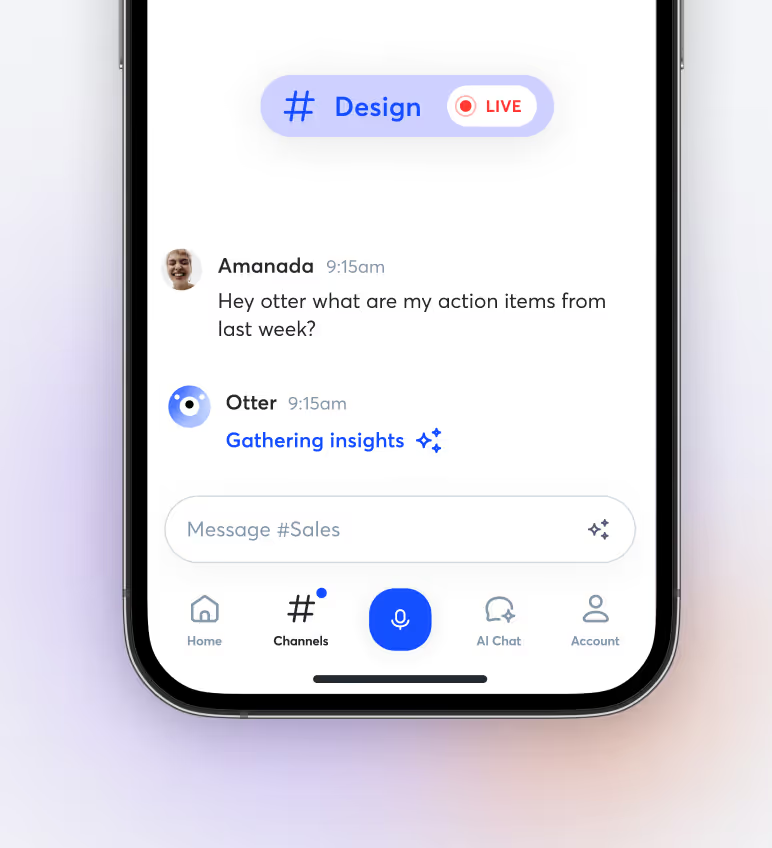
Yes. The Otter app for iOS and Android lets you record, upload files, and review transcripts from your phone.
Otter is SOC 2 Type 2 compliant and uses industry-standard encryption, including TLS. Your conversations are private by default and only accessible by you unless you choose to share them.

Download

