Hundreds of teams trust Otter, including:








From Long Recording to Quick Recap

Skip the Replay Button
Import your file on the web or through the mobile app.

Your audio becomes accurate text in minutes.

Otter generates a summary and action items automatically.
Send the summary or full transcript to your team.

Features & Benefits
- Automatic summaries
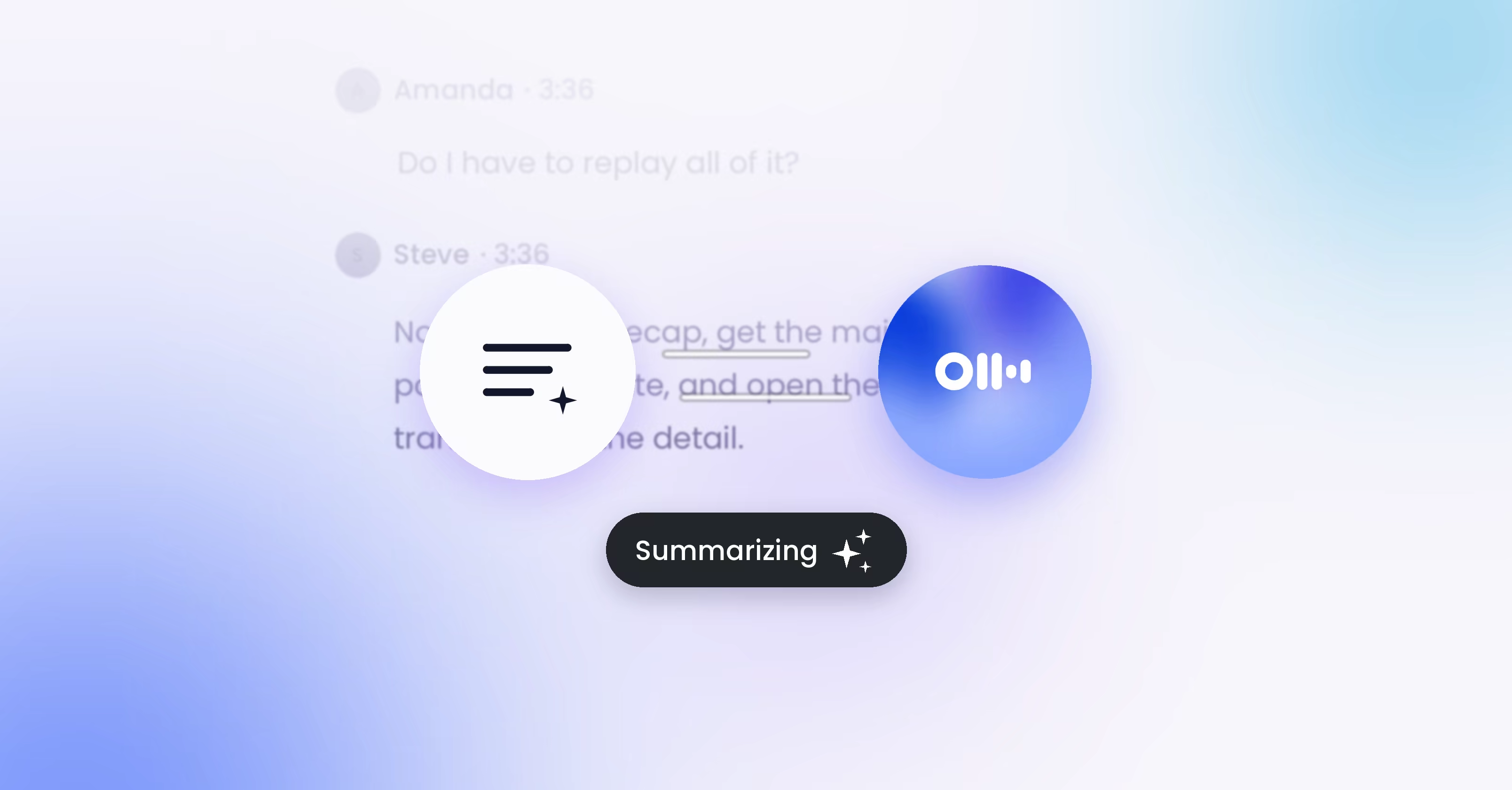
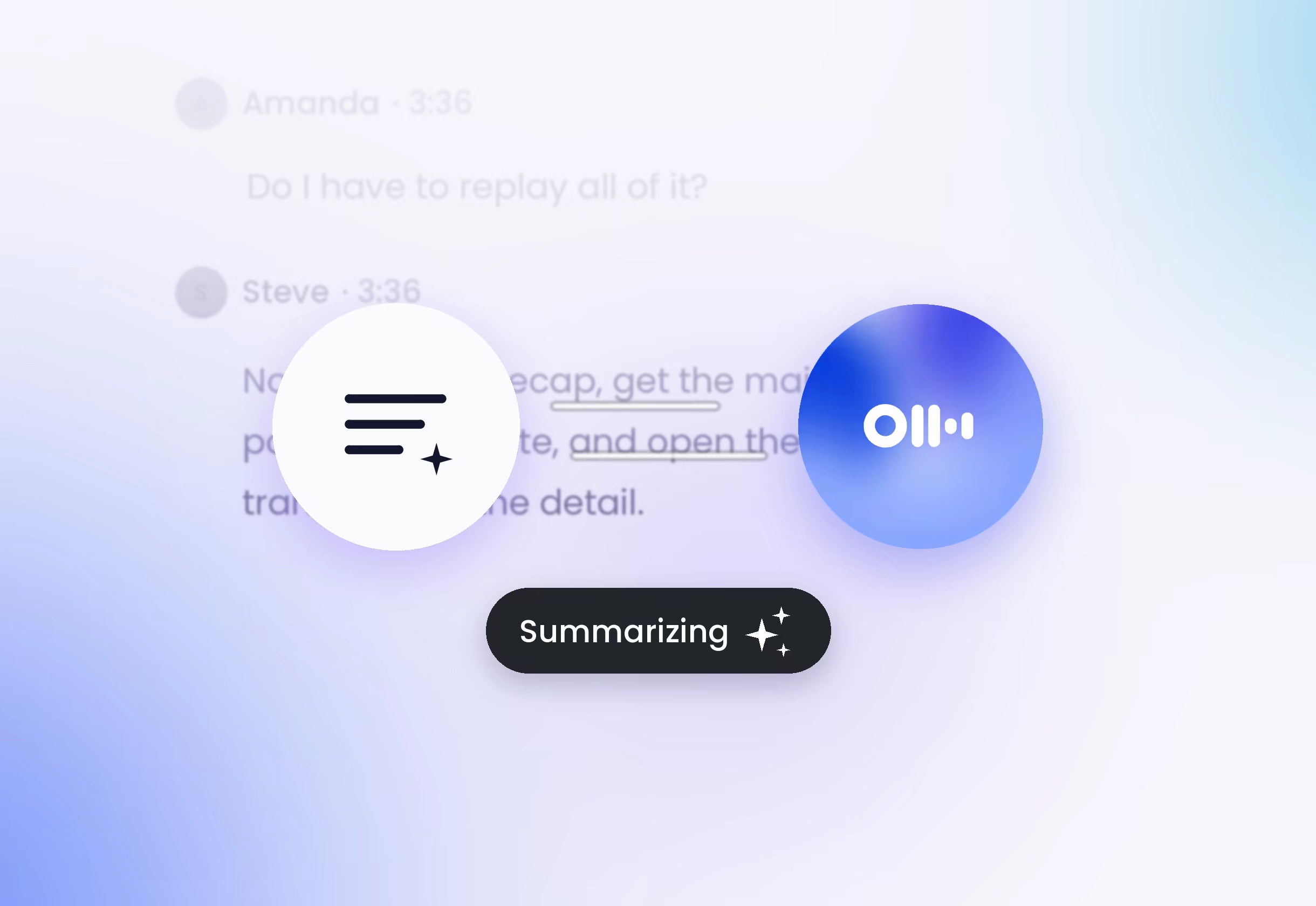
Otter writes a summary with action items as soon as your transcript is ready. Ask Otter AI Chat for more detail, so you get the point without reading every line.
- Fast, accurate transcription
Get a highly accurate text version of your audio in minutes, giving your summary a reliable foundation.
- Intelligent speaker detection
Otter tags each speaker, so you can see who said what in the recap.


- Search and share
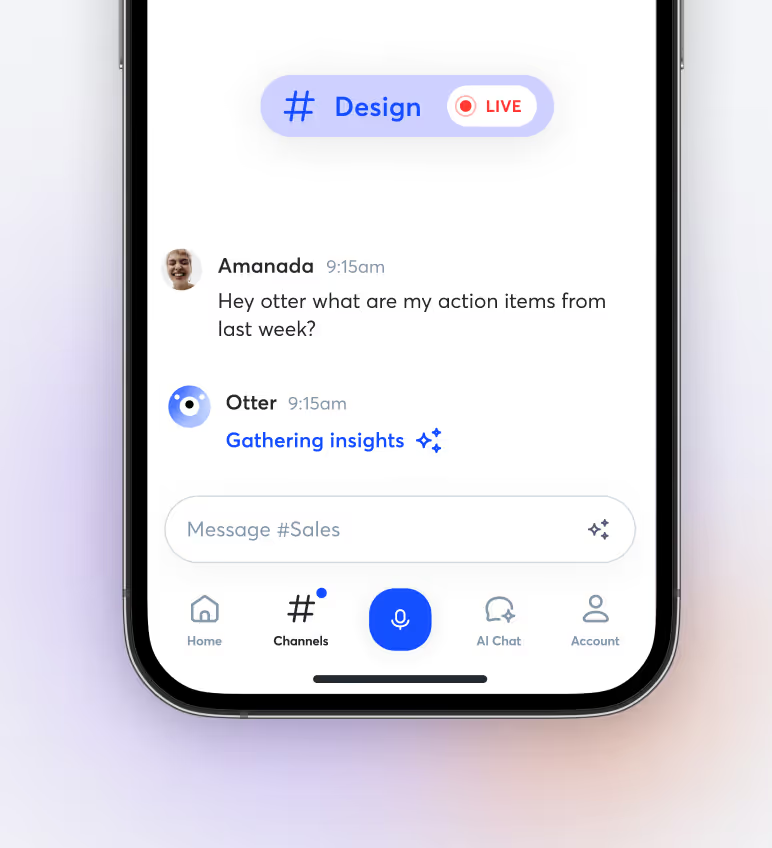
Find key moments instantly, copy quotes, or send the full transcript to your team.
- Flexible uploads
Import files on the web, or capture and transcribe on the go with the iOS and Android apps.


Frequently Asked Questions (FAQs)
Yes. Upload your file, and Otter generates a summary and action items automatically. Use Otter AI Chat to ask follow-up questions.
AAC, MP3, M4A, WAV, WMA, and video files are all supported.
The basic plan lets you transcribe audio to text free of charge, with paid plans available when you need more.

Download

