Make Every Meeting Recording Readable

Upload the recording and get a written record of what everyone said. Share it with the team before the day is over.

Transcribe Now
Orange and purple gradient
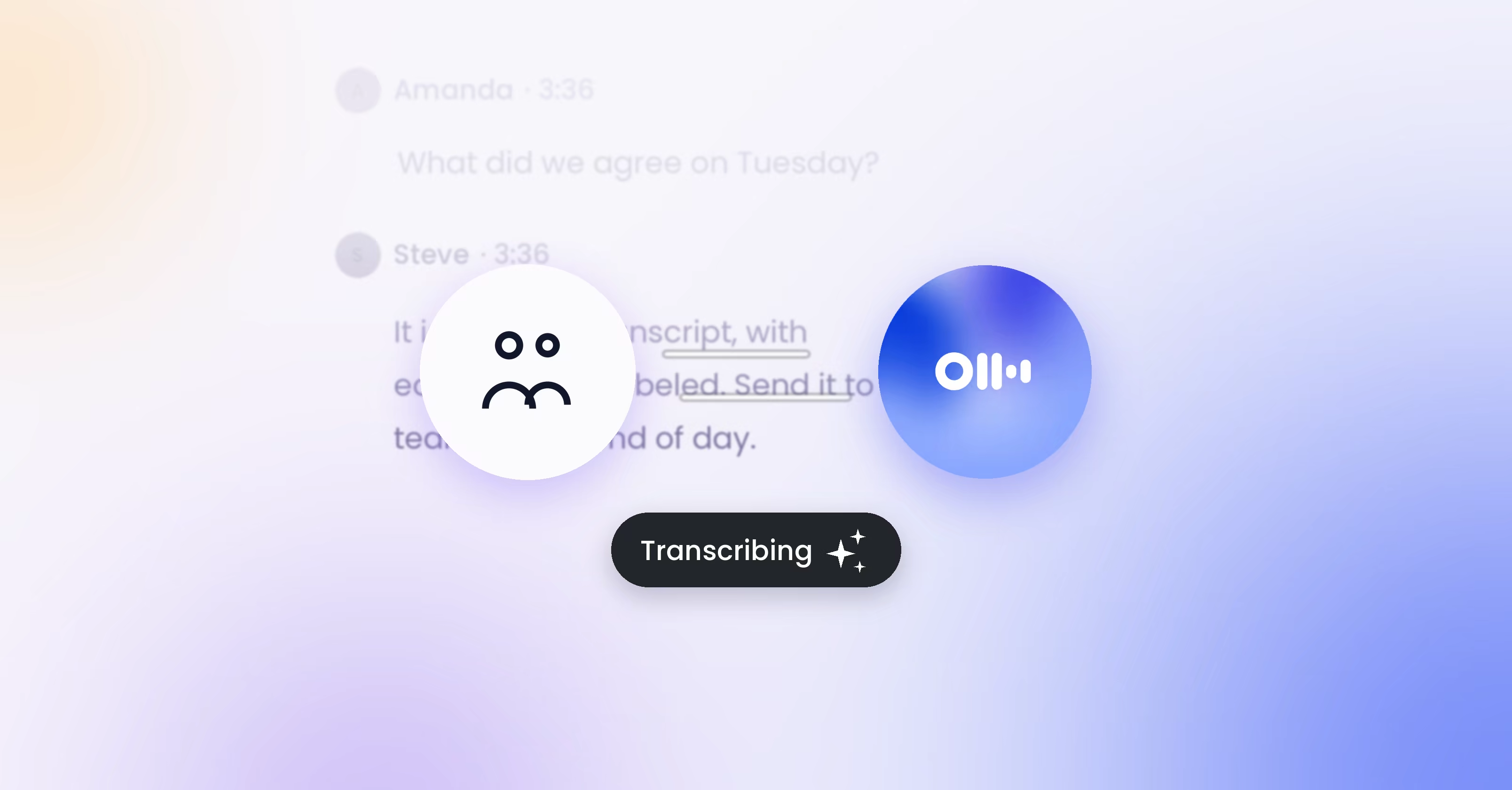
Meeting recording being transcribed by Otter

Hundreds of teams trust Otter, including:

A Written Record of Every Discussion

Meetings generate decisions, but memory fades fast. With a transcript, there is no debate about what was agreed. Import your recording to Otter and get organized text, with each speaker labeled, ready to reference or forward.
Transcribe Now
Orange and purple gradient

Notes Without the Note-Taker

1
Export the recording

Save the meeting file from your recorder.

Purple and pink gradient glow
2
Upload it to Otter

Speakers are identified and tagged automatically.

Blue gradient glow
3
Share the record

Send the transcript so everyone works from the same notes.

Purple and pink gradient glow

Features & Benefits

  • Speaker identification

    Otter automatically tags different speakers, creating an easy-to-follow conversation.

  • Summary and action items

    Otter generates both automatically, and Otter AI Chat answers follow-up questions.

  • Search and share

    Find key moments, copy quotes, or send the full transcript to your team.

Otter sales call summary with insights on timeline, ROI, needs and budget
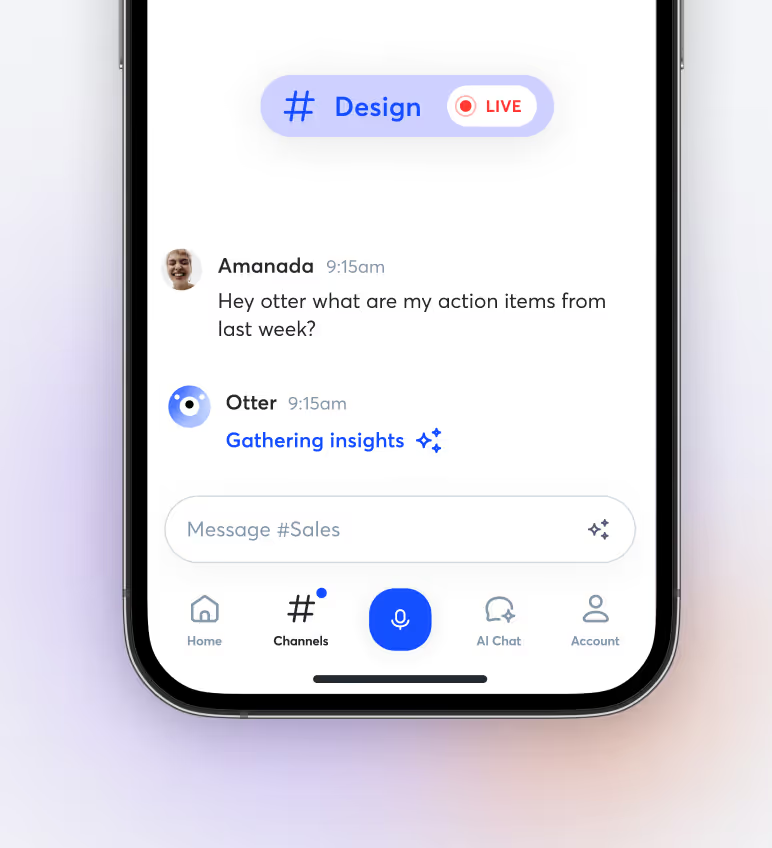
Otter mobile app answering a question in a Design channel
Otter connecting Zoom, Microsoft Teams and Google Meet
  • Fast turnaround

    A 30-minute recording takes about 5 to 7 minutes once it uploads.

  • Flexible import

    Upload on the web, or use the iOS and Android apps for in-person meetings.

Teams in meetings and gradient shapesDivider line
Get started with Otter

Frequently Asked Questions (FAQs)

Can I tell who said what in a meeting?

Yes. Otter automatically identifies and tags different speakers.

Can I get a list of action items?

Yes. Otter generates action items automatically. Ask Otter AI Chat for more detail.

How do I share the notes?

Send the full transcript to your team, or copy just the quotes you need.