Convert M4A Files to Text

Got a voice memo or an M4A recording? Upload it and read what was said in minutes, with no extra software or conversion steps.

Transcribe Now
Orange and purple gradient
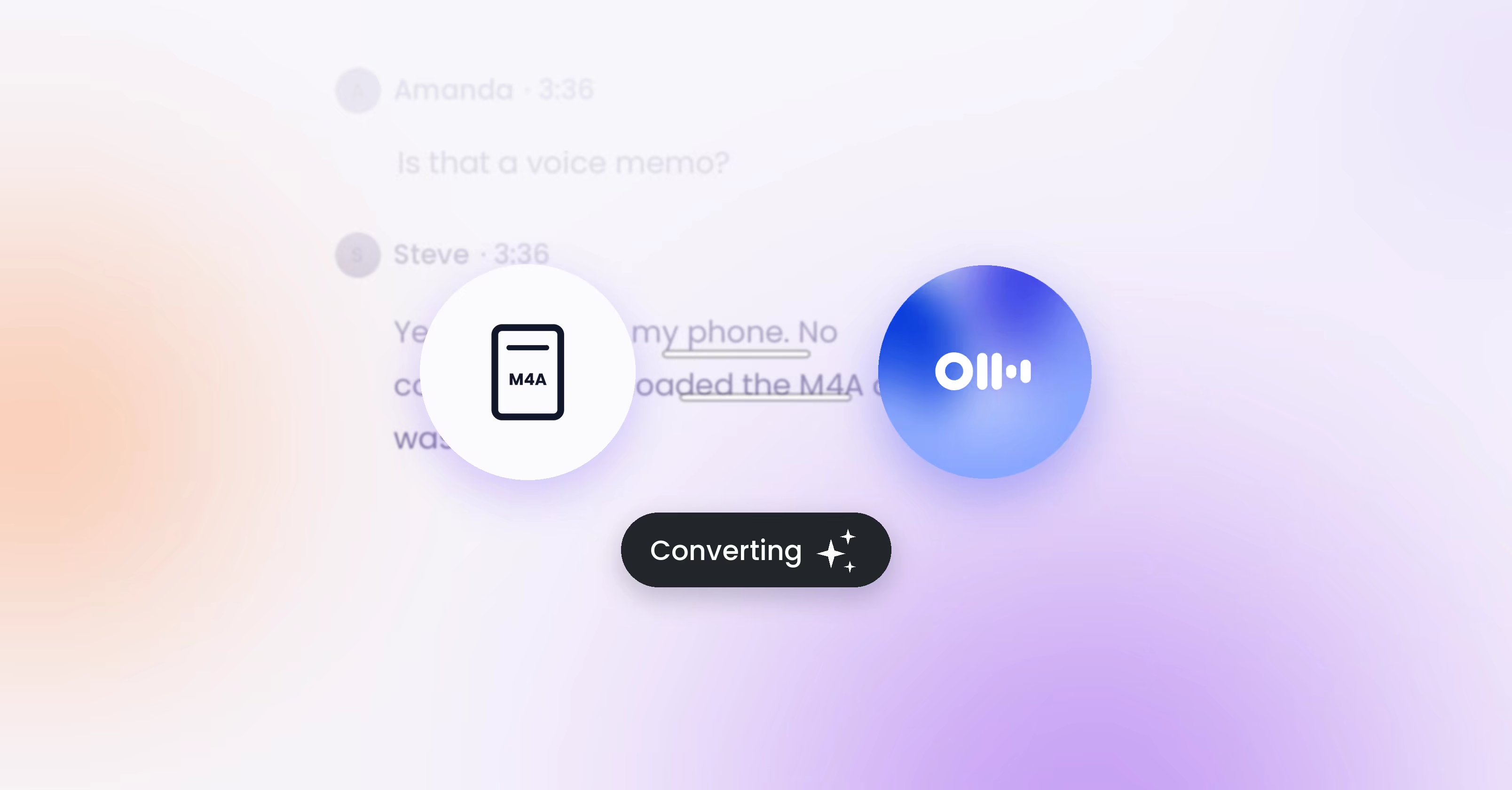
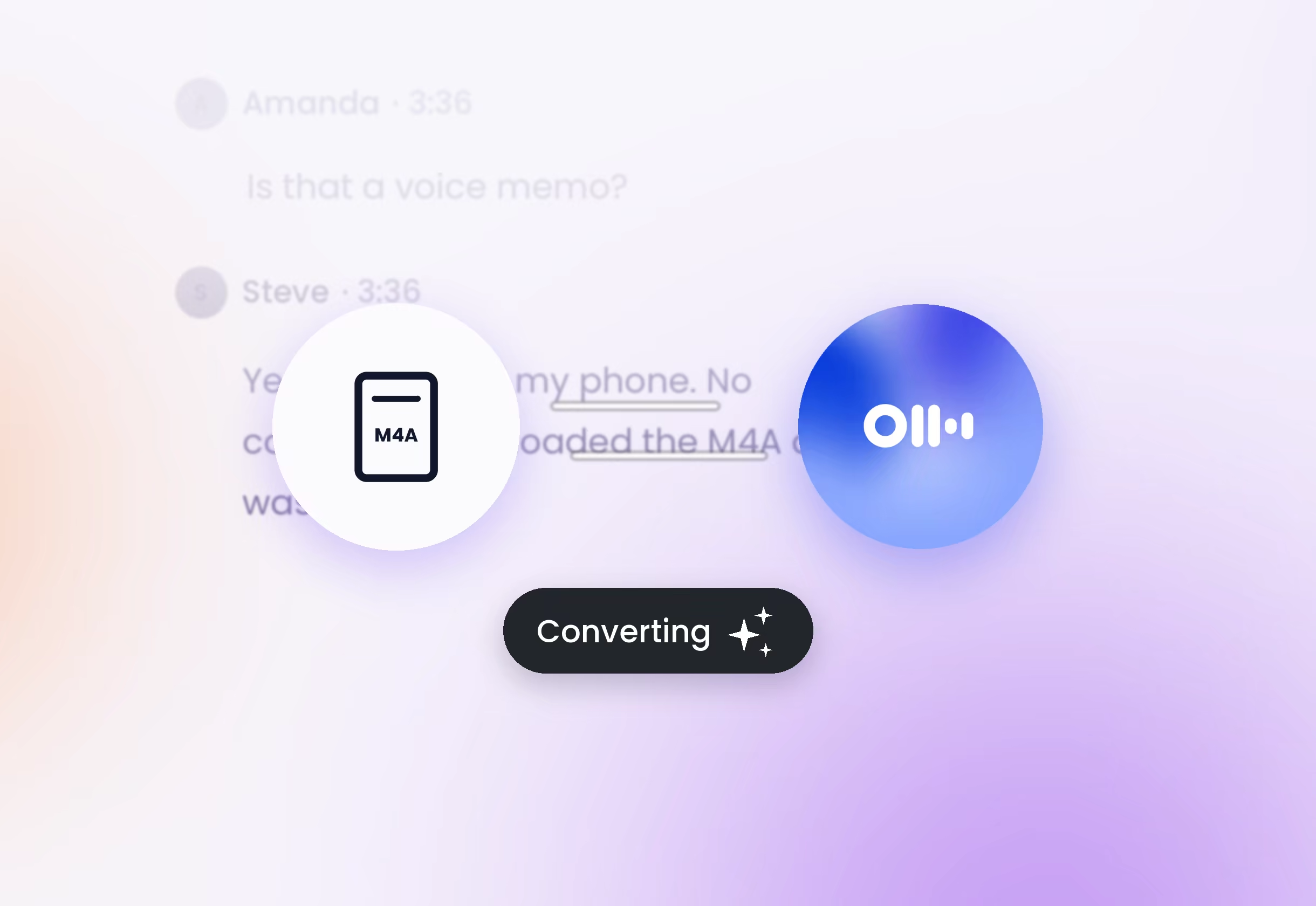
M4A file being converted to text by Otter

Hundreds of teams trust Otter, including:

An M4A File Is Just Text Waiting to Happen

M4A is the format behind many phone voice memos and recorded interviews, and it plays nicely with Otter. Import the file on the web, or use the mobile app to record and transcribe on the go. Your audio comes back as readable, searchable text.
Transcribe Now
Orange and purple gradient

When Converting M4A to Text, Choose the Easy Route

1
Find your M4A file

Pull it from your voice memos or recorder.

Purple and pink gradient glow
2
Upload it as is

No conversion or extra software needed.

Blue gradient glow
3
Read, search, and copy

Jump to key moments and lift the quotes you need.

Purple and pink gradient glow

Features & Benefits

  • Broad format support

    M4A sits alongside AAC, MP3, WAV, WMA, and video files, so a mixed folder of recordings is no problem.

  • Upload anywhere

    Import on the web, or use the iOS and Android apps to capture and transcribe on the go.

  • Fast and accurate

    Get a highly accurate transcript in minutes instead of spending hours typing.

Otter sales call summary with insights on timeline, ROI, needs and budget
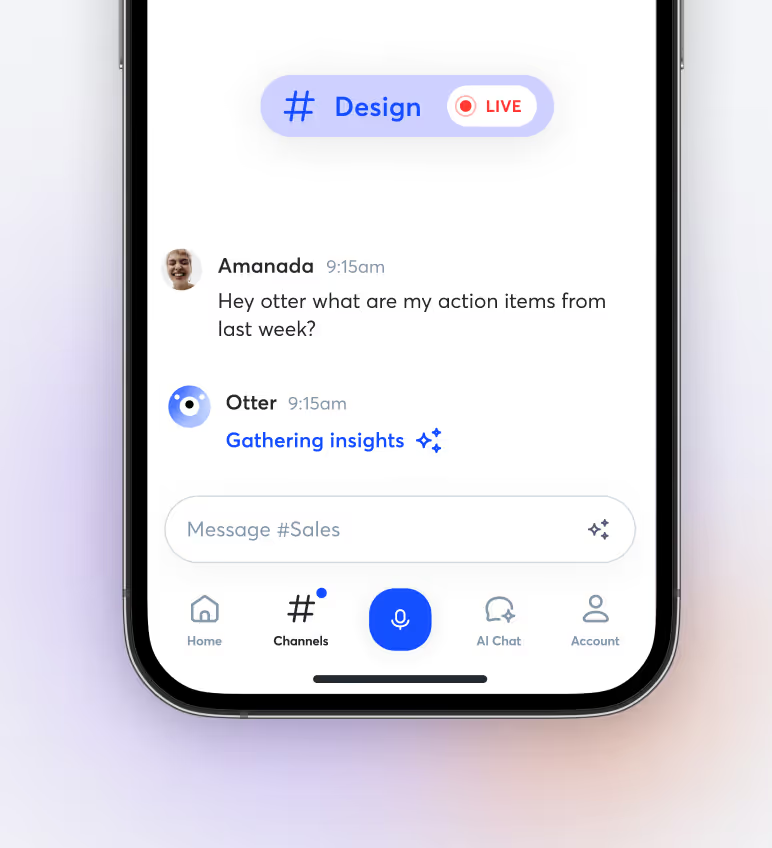
Otter mobile app answering a question in a Design channel
Otter connecting Zoom, Microsoft Teams and Google Meet
  • Speaker tags

    Otter identifies different speakers automatically, which helps with multi-person recordings.

  • Search and share

    Find key moments, copy quotes, or send the whole text to your team.

Teams in meetings and gradient shapesDivider line
Get started with Otter

Frequently Asked Questions (FAQs)

Does Otter accept M4A files?

Yes. M4A is one of the supported formats, along with AAC, MP3, WAV, WMA, and video files.

Can I record a voice memo and transcribe it on my phone?

Yes. The iOS and Android apps let you capture and transcribe on the go.

How long does it take?

A 30-minute file takes about 5 to 7 minutes to transcribe once it has uploaded.