Ask Your Audio and Get Insights Back

Upload a recording, then talk to it. Get answers, summaries, and action items from your own content in plain language.

Transcribe Now
Orange and purple gradient
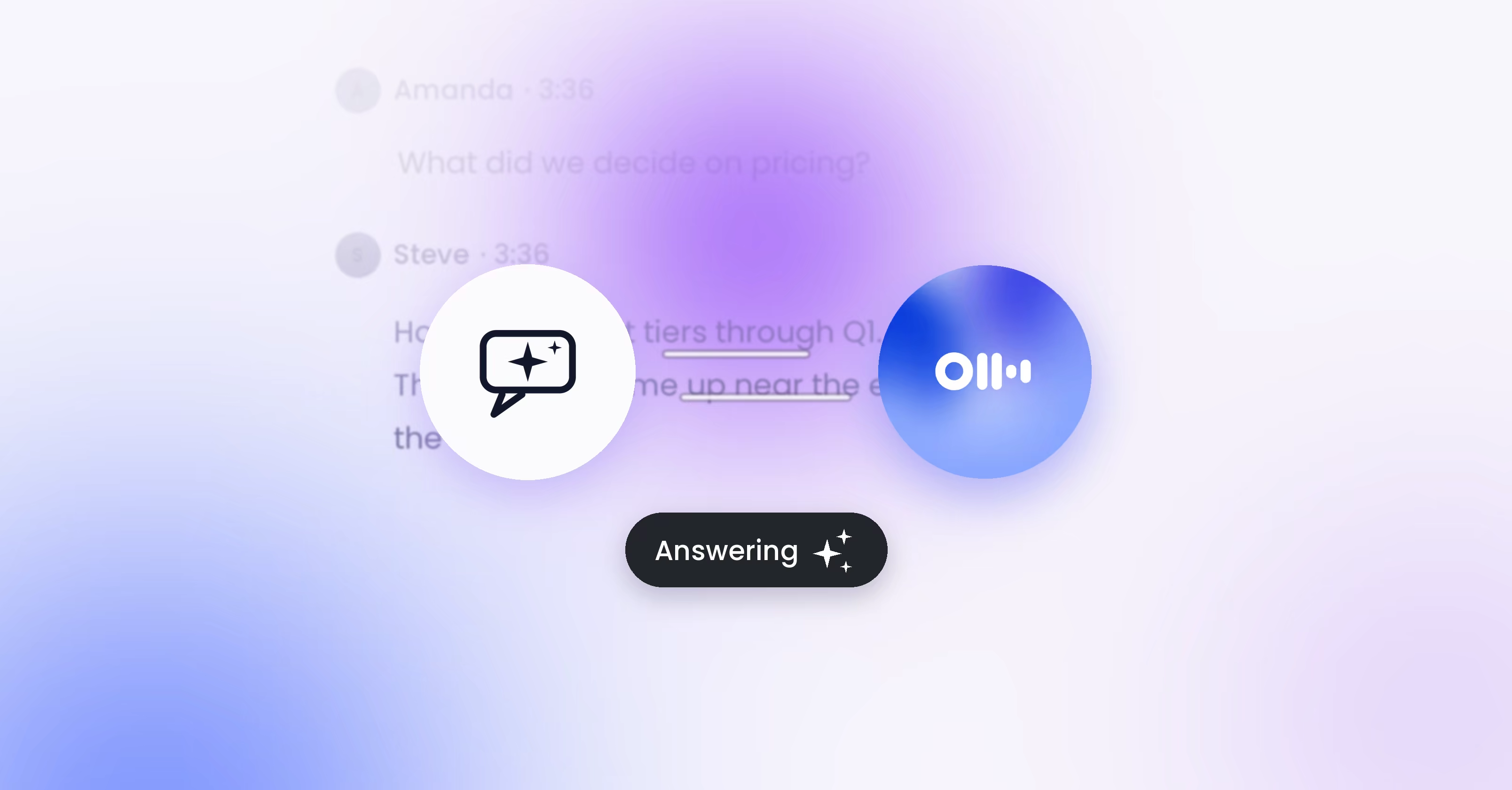
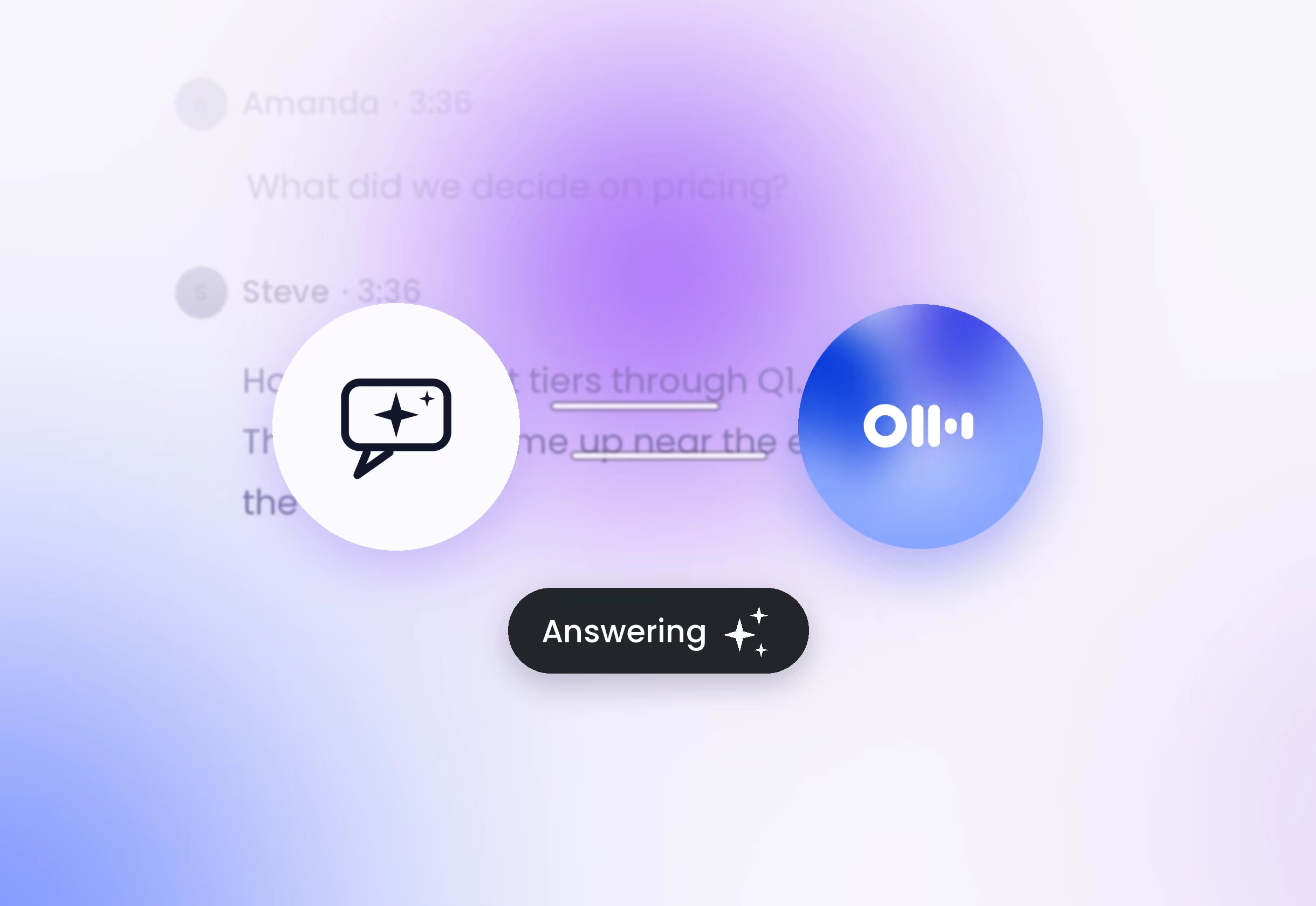
Otter AI Chat answering questions about a recording

Hundreds of teams trust Otter, including:

Recordings That Answer Back

Most audio files are a black box until you listen to the whole thing. Otter turns your recording into a transcript, and Otter AI Chat lets you ask what was decided, who said what, or what comes next. You get the answer without hunting for it.
Transcribe Now
Orange and purple gradient

Listening Is Optional

1
Upload your recording

Any supported audio or video file will do.

Purple and pink gradient glow
2
Open AI Chat

Your transcript is ready to be questioned.

Blue gradient glow
3
Ask away

Request a summary, a decision, or the next steps.

Purple and pink gradient glow

Features & Benefits

  • Otter AI Chat

    Ask questions about your content, generate instant summaries, and pull out key action items.

  • Accurate foundation

    Answers are drawn from a highly accurate text version of your audio.

  • Speaker detection

    Ask about a particular person's comments, since each speaker is identified and tagged.

Otter sales call summary with insights on timeline, ROI, needs and budget
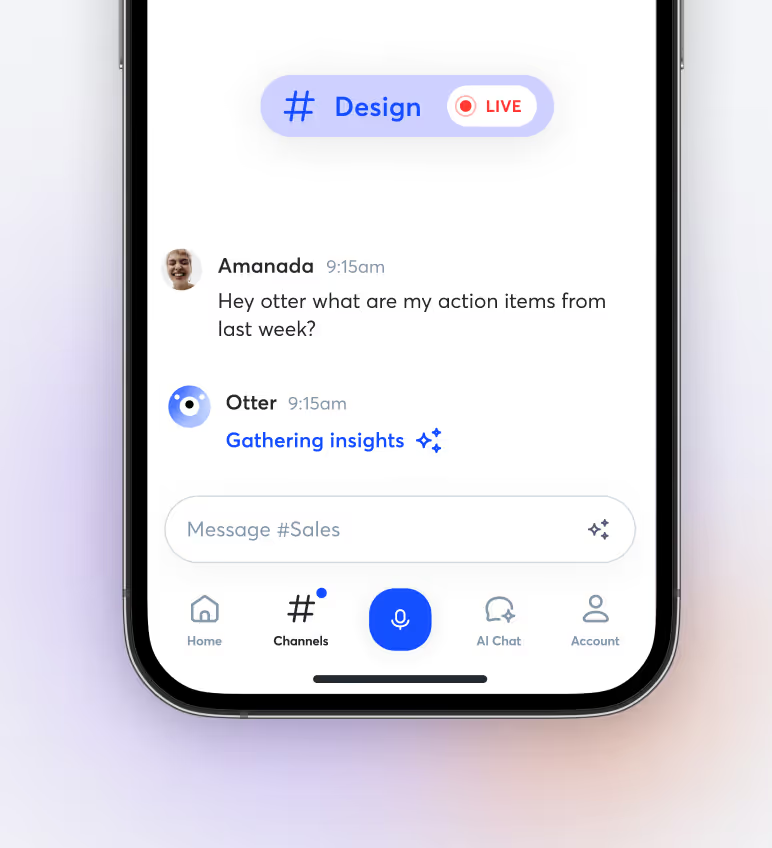
Otter mobile app answering a question in a Design channel
Otter connecting Zoom, Microsoft Teams and Google Meet
  • Any common file

    Upload AAC, MP3, M4A, WAV, WMA, or video files.

  • Search and share

    Find key moments, copy quotes, and send what you learn to your team.
Teams in meetings and gradient shapesDivider line
Get started with Otter

Frequently Asked Questions (FAQs)

What can I ask my audio?

Use Otter AI Chat to ask questions about your content, generate summaries, and pull out key action items.

Do I need to read the whole transcript first?

No. Ask your question directly, then search the text if you want to check the source.

What files work?

AAC, MP3, M4A, WAV, WMA, and video files.